
What Is a Court Docket in Lorain County
A docket is the official list of events in a single case. Each entry has a date and a short note about what happened, such as a motion filed, an order entered, or a hearing set. Read top to bottom, a docket tells the story of a case from the first filing to the final outcome. Court staff add entries as the case moves, so a docket grows over time.
A docket sheet is the printed or screen version of that list. It usually shows the case number, the parties, the assigned judge, the charges or claims, and every docket entry in date order. It does not hold the full text of each filing. For the actual motions, orders, and exhibits, you need the full case file. The docket points to those documents, but it is a summary, not the documents themselves.
Lorain County has more than one docket system. The Clerk of Courts runs the docket for Common Pleas cases. Each municipal court runs its own. Probate keeps a separate search. So the right docket depends on which court holds the case.
How to Find Lorain County Dockets Online
For Common Pleas cases, the Clerk of Courts eServices portal is the place to look. It covers Domestic Relations, Civil, Criminal, and Ninth District Court of Appeals cases since 1988. Online dockets reach back to October 1987. The system is open 24 hours a day, 7 days a week. Start at the official Clerk page, since search engine links may not match the current dockets.
- Open the Clerk of Courts page and click the eServices link to search court records.
- Pick the right module. Use Quick Index or General Index to search by party name. Use Docket Sheets when you know the case number. Use Court Calendars to see daily judge and magistrate schedules.
- Enter the party name or case number. Try spelling variants if a name search comes up empty.
- Open the matching case to read the docket entries in date order, along with hearings and status.
For a traffic or misdemeanor case, use the municipal court that heard it. For probate, use the Probate Court search. Each system works a little differently, but the goal is the same: find the case, then read its docket.
Quick Index, General Index, Docket Sheets, and Calendars
The Clerk eServices system splits its tools into four parts. Each one answers a different question. Knowing the difference saves you from clicking the wrong tab.
- Quick Index
- An alphabetical list of cases by party name. Best for a fast name lookup when you have little else.
- General Index
- Also a party-name index, but with more detail on each match. Use it when Quick Index returns too many results.
- Docket Sheets
- The chronological case summary. Use it when you already have the case number. This is where the full list of docket entries lives.
- Court Calendars
- Daily schedules for judges and magistrates, except Probate and Juvenile. Use it to see what is set for a given day or courtroom.
Court Calendars are the right tool for hearing dates and courtrooms. The calendar lists which judge or magistrate is hearing what, and when. If you need to know where to be and at what time, start there, then confirm with the court.
Sample Lorain County Docket Entry
Each line on a docket sheet packs in a date, an event, and often a party or document reference. The labels shift a bit from court to court, but the parts below show up across Lorain County dockets. The table maps the common fields to what each one tells you.
| Field | What It Shows |
|---|---|
| Entry Date | The date the filing or court action was recorded; entries run in date order. |
| Event Type | What happened, such as motion filed, order entered, judgment, service return, hearing scheduled, continuance, or sentencing. |
| Party Filing | Which side filed the document, such as plaintiff, defendant, state, or petitioner. |
| Hearing Date | Court date and time, the courtroom or room, and the judge or magistrate. |
| Status / Disposition | Where the case stands: open, pending, closed, dismissed, judgment, or bond posted. |
| Document Reference | A note or link to the underlying filing; image access depends on case type and portal rules. |
Document images are not always free or posted online. The Clerk promises calendars, indexes, and docket sheets, not a free download of every filed PDF.
Courts That Publish Dockets in Lorain County
Common Pleas dockets come from the Clerk of Courts. Beyond that, the five municipal courts each post their own dockets and daily schedules, and Probate runs a separate search. The list below shows which courts publish online and what they cover.
- Elyria Municipal Court - traffic, misdemeanor, small claims, eviction, and civil cases, plus payments through its Records & Payments section.
- Lorain Municipal Court - cases from 1998 to the present in the online public access system; older cases need a manual search.
- Avon Lake Municipal Court - name, case, ticket, hearing date, and file date searches for Avon, Avon Lake, and Sheffield Village.
- Oberlin Municipal Court - individual case dockets and daily court schedules through its Public Access page.
- Vermilion Municipal Court - traffic, criminal, civil, and small claims for Vermilion and nearby townships, including Brownhelm in Lorain County.
Probate Court posts its own docket search, updated every Saturday. It holds all probate records since 1990, with paper files reaching back to 1824. Juvenile dockets are restricted and are not posted for open public search.
Lorain Municipal Court routes its docket links through the city site. The Lorain Municipal Court page lists the case search for 1998 to present, payment links, and the instructions for older records.
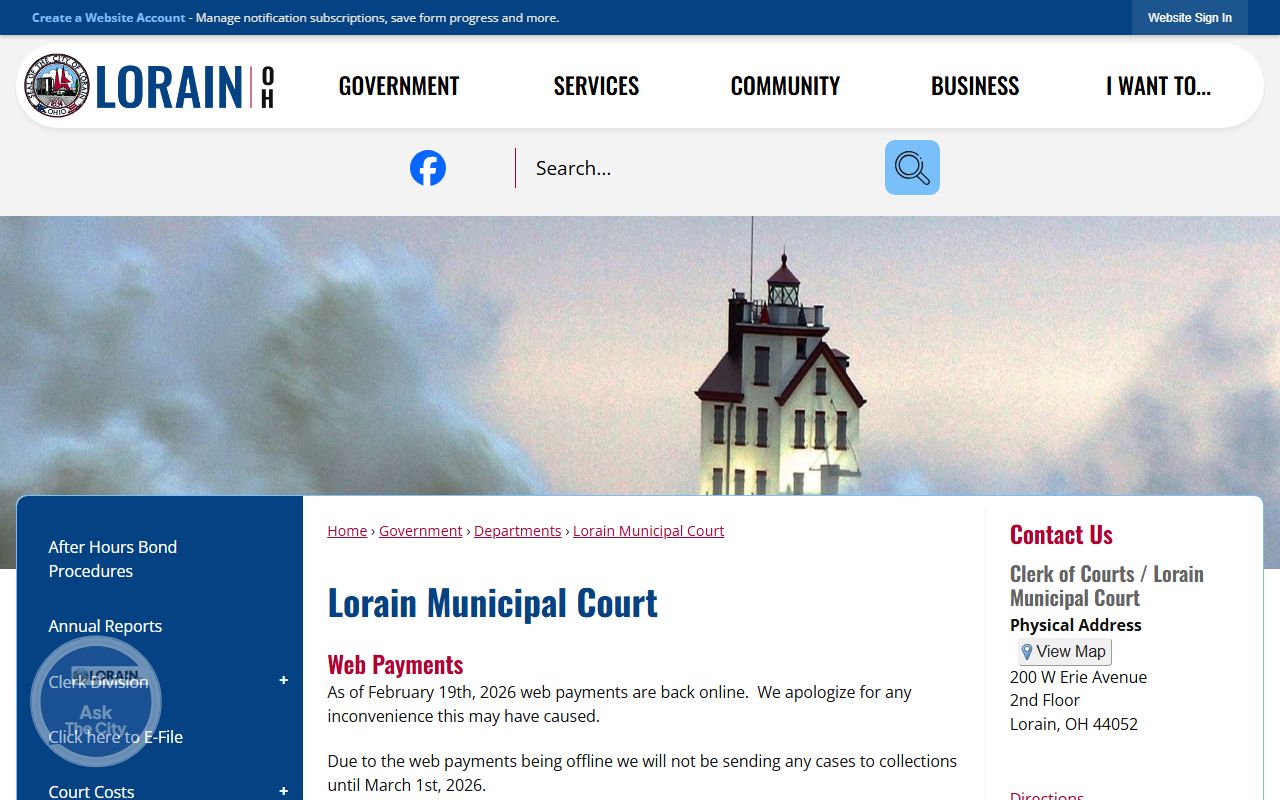
That page splits records by date, so a recent docket loads online while a case before 1998 needs a manual book search at the court.
Oberlin runs a clean public access tool of its own. The Oberlin Municipal Court site says to click through to view the docket of individual cases and the daily court schedules.
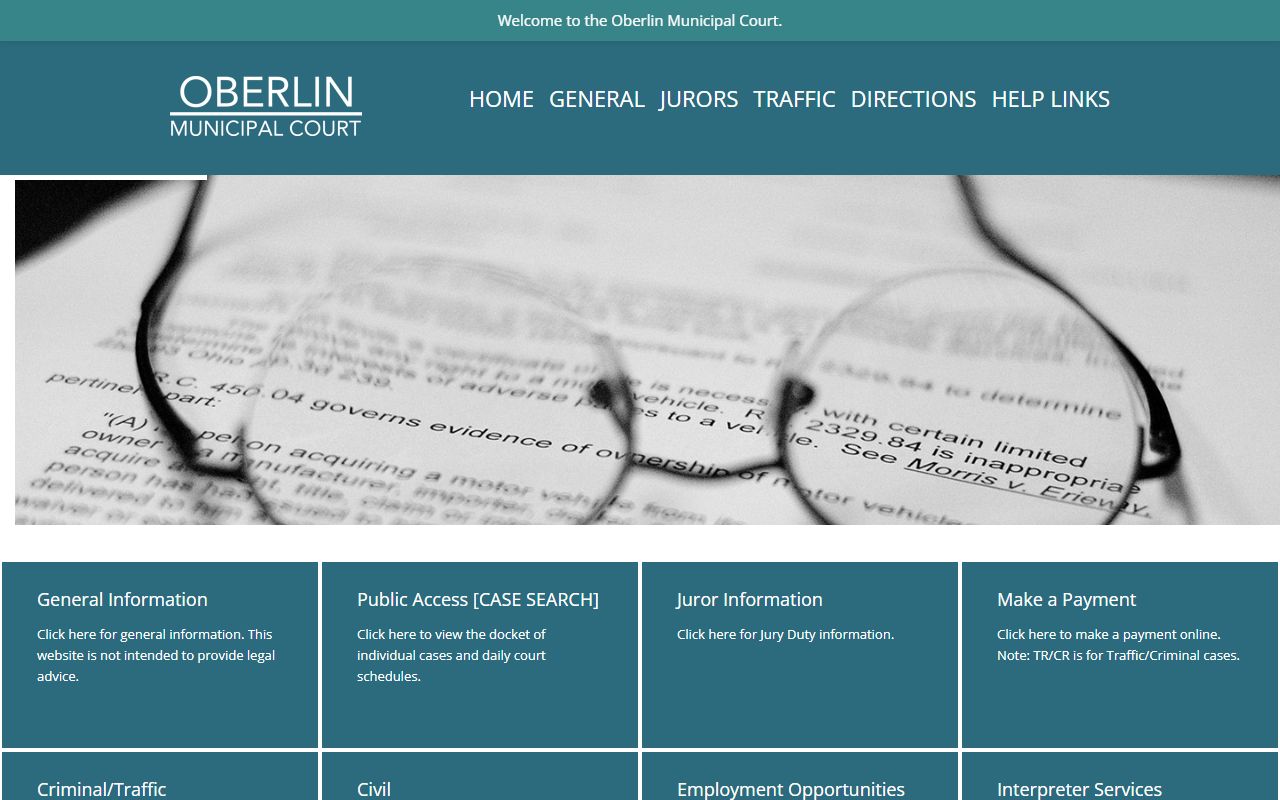
So both individual case dockets and the day's schedule sit in one place for Oberlin cases, which makes it easy to confirm a hearing.
Docket vs Full Case Record
A docket and a full case record are not the same thing. The docket is a list of events. The full record holds the actual documents behind those events, such as motions, orders, exhibits, and judgments. The docket is the index; the case file is the library. The comparison below makes the line clear.
| Docket | Full Case Record | |
|---|---|---|
| Format | List of dated entries | Full documents and filings |
| Access | Often online and free | May need a fee, a copy request, or a visit |
| Use | Track case progress and dates | Legal review, evidence, certified copies |
| Where | Clerk or court online portal | Clerk Records Department or the court that holds the file |
If you only need to know what happened and when, the docket is enough. If you need the text of an order or a certified copy for legal use, ask the Clerk for the full record. More on full files sits on the Lorain County court records page.
How to Read a Lorain County Docket
Dockets use shorthand that can confuse a first time reader. A few terms come up again and again. A motion is a written request asking the court to act. An order is the court's written command. A judgment is the final decision that resolves the case. A continuance is a postponement of a hearing or deadline. A disposition is the outcome of a charge or case.
Status terms tell you where things stand. Open or pending means the case is still active. Closed or disposed means it is over. Dismissed means the case ended without a finding against the defendant. Watch for capias and bench warrant, which both mean a judge ordered someone taken into custody, often after a missed court date. Community control is the Ohio term for probation style supervision. When an entry is unclear, the Clerk can point you to the file, though staff cannot give legal advice.
Missing Dockets and Confirming a Court Date
Sometimes a case does not show up. There are common reasons. The case may predate the online range, which starts in October 1987 for Common Pleas. The name may be spelled or indexed differently. The case type may not be public online, or it may be sealed, expunged, juvenile, or adoption. Or you may simply be searching the wrong court. Try a spelling variant first, then check whether another court holds the case.
Online dockets can also lag behind the courtroom. A filing made today may not post for a day or more.
Note: Avon Lake Municipal Court warns that posting may trail filings and court action by at least 24 hours, and sometimes longer, so confirm any urgent date with the court.
To confirm a court date, call or visit the court that holds the case. Verified information should be requested in writing or obtained in person during business hours. Do not rely on an online docket alone for a hearing you cannot miss.